 TopoKin
Radios and trackers
TopoKin works with Meshtastic radios: small LoRa radios that talk to each other for miles with no cell signal. We use the Seeed Wio Tracker L1 (GPS, a small screen, a buzzer, a button and a joystick), but any Meshtastic radio works. Every radio passes messages along for the others, so a few spread-out radios cover more ground.
U.S. only: TopoKin sets a new radio to the U.S. band (915 MHz). Buy the 915 MHz (US) version of a radio, and don't use TopoKin's radio setup in other countries, which use other bands.
Your own radio
- Turn the radio on and keep it near your phone.
- Group › Radios › Your radio › Pair (or Settings › Your radio), tap Find my radio, and pick it.
- Android may ask for a PIN: the radio shows it on its screen.
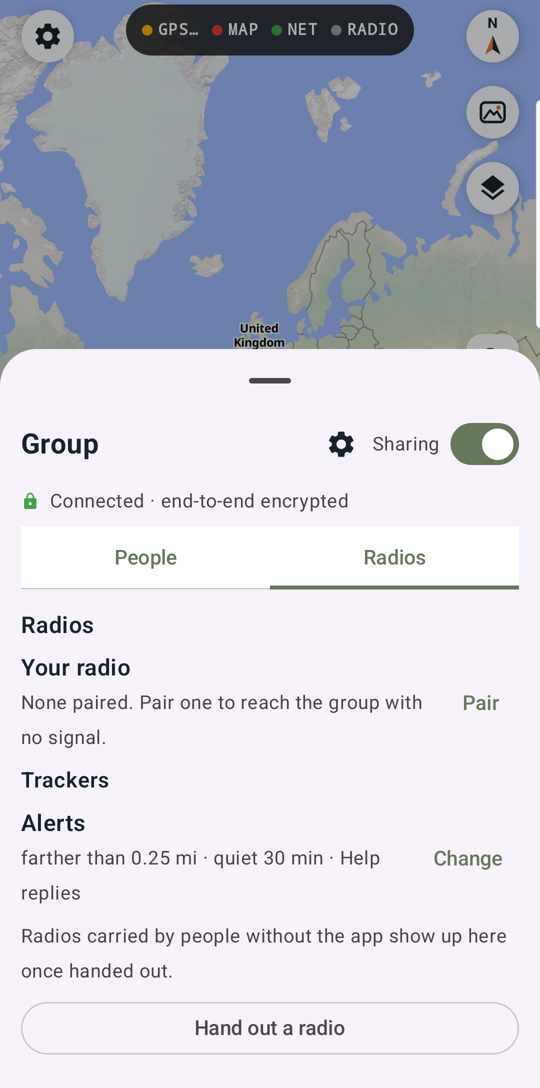
TopoKin sets the radio up for your group by itself: a private group channel (only your group's radios can read it, and positions are exact), your name on it, and your sound settings. The Radio panel then says Group channel ✓. The RADIO light at the top turns green when it's connected.
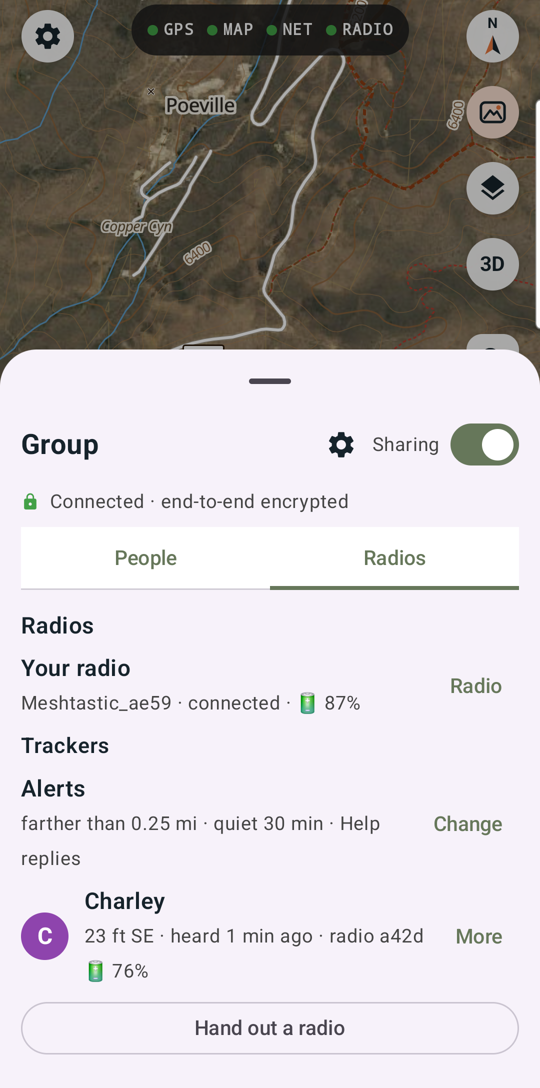
Your radio's sound (on/off, how long it rings, tune) is in Settings.
Handing out a tracker
A tracker is a radio carried by someone without the app: a kid, a friend for the day, a grandparent who'd rather not use a phone out there, or the dog. Its dot is on every phone in your group.
- Group › Radios › Hand out a radio. Turn the radio on and hold it near your phone.
- Pick it from the list, enter who has it, pick a color.
- Choose its sound and its replies (the messages it can send back with its buttons), then Hand out.
TopoKin sets the radio up (your group's channel, their name on its screen, position every 2 minutes, battery reports, replies, sound) and the group sees "Emma has radio a42d". Their dot shows once its GPS has a fix (outdoors helps).
When the day is done: on their row, More › Return to the pool.
Talking to a tracker
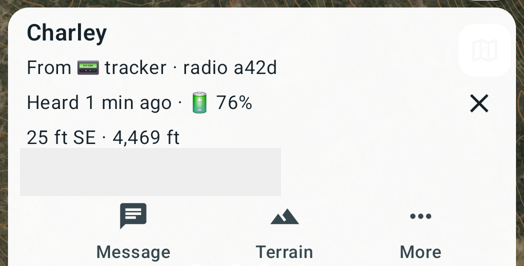
Tap their dot (or their chip in the bottom panel):
- Message: shows on the radio's screen. ✓✓ delivered means the radio got it.
- Terrain: the profile between you and them.
- More › Ring: the radio beeps until a button is pressed (to find it, or to get them to look at it).
- More › Settings (with the radio near your phone): change its sound, its replies, or its name.
Their replies show in Messages as from "📟 Emma".
Alerts
Settings › Tracker alerts (or Group › Radios › Alerts). Your phone alarms when a tracker:
- is farther from you than the distance you choose (a loud alarm with how far and which way),
- hasn't been heard for the time you choose (a quieter notice: it may be off, flat, or out of range),
- replies Help or I'm lost (a loud alarm).
Tap the alert to go straight to them on the map. Each alert goes off once, then again only after things are back to normal.
When a radio is lost
Whoever finds one of your radios could listen to the group's radio messages. So:
- On that tracker's row, More › Report lost (or the card's More › Lost).
- The group moves to a new radio key. Your radio and the radios of everyone in the group switch by themselves.
- Trackers still out show On the old radio key. Hold each one near a phone and tap Update.
Good to know
- Radios relay for each other, up to 3 hops. A radio left high on a ridge, or one in the car with a roof antenna, extends everyone's range: see A radio for the car.
- A radio message carries about 200 characters.
- The tracker's button stops a ring. Recent firmware also has an on-device menu (long-press the button) with sound options.
A printable card explains the radio to whoever is carrying it.